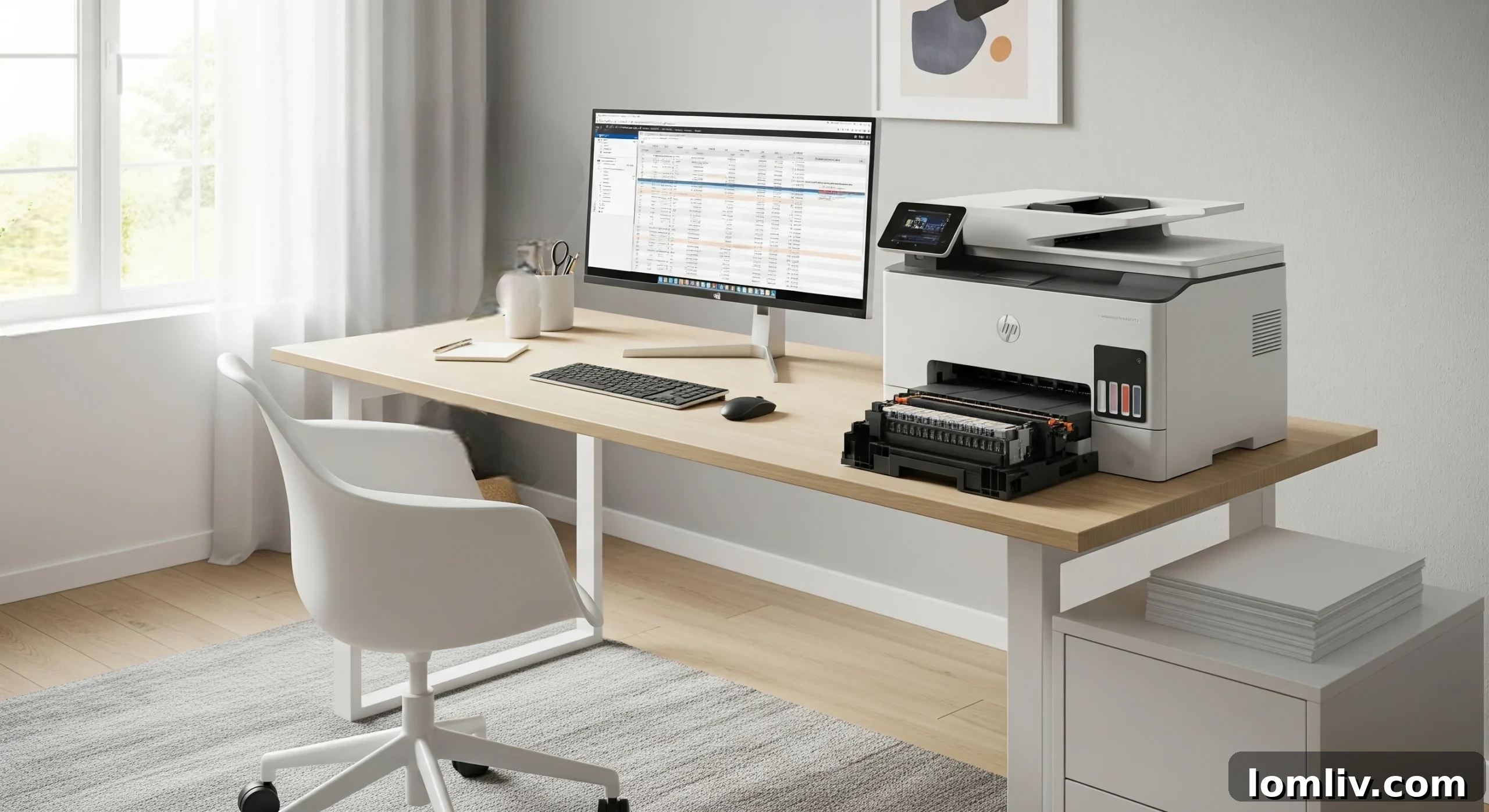
Printers are indispensable tools in modern business environments and home offices, serving as the backbone for document production. Whether you’re printing crucial reports or cherished family photos, the quality and reliability of your output largely depend on one critical component: the print head. Neglecting this vital part can lead to frustrating print failures, wasted ink, and expensive repairs. This comprehensive guide will equip you with expert tips and best practices to significantly extend your print head’s lifespan, maintain pristine print quality, and ultimately save you money.

Understanding the Importance of Print Head Maintenance
The print head is the heart of an inkjet printer, responsible for precisely ejecting microscopic ink droplets onto the paper. It’s a marvel of engineering, featuring hundreds or even thousands of tiny nozzles that must remain clear and functional for optimal performance. When a print head encounters issues, the consequences are immediate and detrimental to your printing experience. You might notice streaky prints, faded colors, missing lines, or even completely blank pages. Beyond the visible defects, a struggling print head wastes significant amounts of ink as it attempts repeated cleaning cycles to resolve clogs. In worst-case scenarios, a severely damaged or neglected print head can necessitate costly professional repair or even the replacement of your entire printer. Proactive maintenance is not just about extending a component’s life; it’s about preserving print quality, reducing operational costs, and ensuring uninterrupted productivity.
For businesses, where consistent print quality and operational efficiency are paramount, regular print head care is non-negotiable. Technicians often buy HP printhead replacements to uphold professional standards, but for everyday users, simple, consistent upkeep can prevent most common issues, allowing your printer to perform at its best with fewer interruptions and frustrations.
Implementing Regular Cleaning Practices for Optimal Print Head Health
One of the most effective ways to prevent print head problems is by establishing a consistent cleaning routine. Dust, paper fibers, and most commonly, dried ink are the primary culprits behind clogged print heads. These obstructions can quickly degrade print quality and put unnecessary strain on your printer’s internal mechanisms. Fortunately, modern printers come equipped with built-in cleaning utilities designed to tackle these issues.
Utilizing Built-in Cleaning Cycles
Most inkjet printers feature automated cleaning functions accessible through their control panel or software utility on your computer. These cycles typically involve forcing ink through the nozzles to dislodge dried particles. It’s crucial to run these cycles regularly, even if you’re not experiencing immediate print quality issues. A general recommendation is to perform a light cleaning cycle every few weeks, or whenever you notice the first signs of print quality degradation (e.g., faint lines, incorrect colors, banding). Printers often offer different levels of cleaning: a standard head cleaning, a nozzle check pattern, and sometimes a deep cleaning option. Always start with a nozzle check to identify the problem areas, then move to standard cleaning. Reserve deep cleaning for persistent clogs, as it uses more ink.
Performing Manual Print Head Cleaning
While automated cycles are highly effective, some stubborn residue may require manual intervention. Before attempting any manual cleaning, always consult your printer’s user manual for specific instructions and warnings, as procedures can vary by model. Generally, manual cleaning involves carefully wiping the print head nozzles or contacts. You’ll need a damp, lint-free cloth or a specialized print head cleaning kit. Moisten the cloth with distilled water or a manufacturer-recommended cleaning solution – never use tap water, as its minerals can cause further clogs. Gently wipe the visible parts of the print head, being extremely careful not to scratch or bend any delicate components. Avoid applying excessive pressure. For cartridges with integrated print heads, you might gently wipe the nozzle plate. Allow the print head to air dry completely before reinserting or reconnecting it. This meticulous approach can prevent serious damage and ensure thorough cleaning.
The Crucial Role of Quality Ink Cartridges
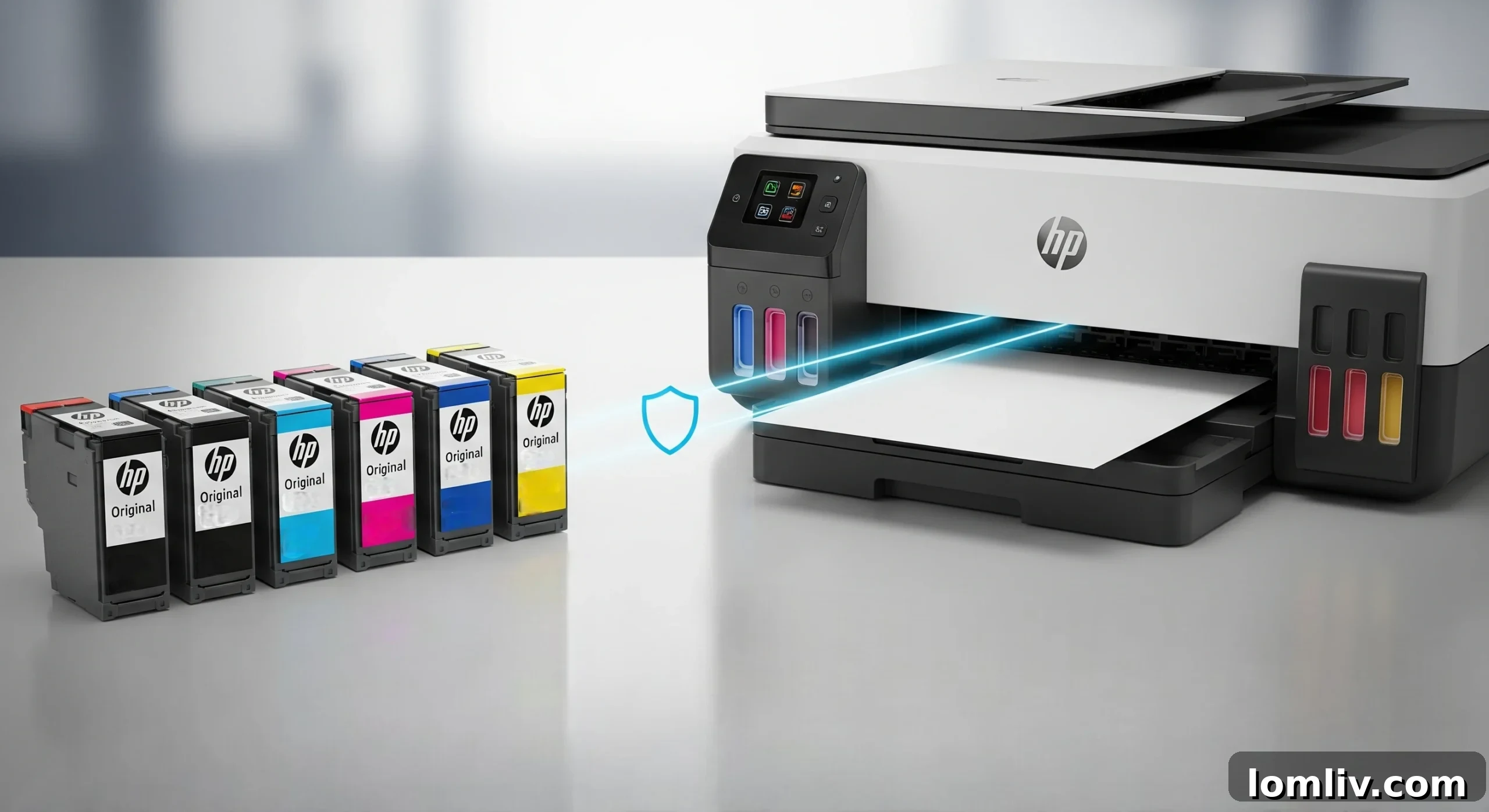
The type and quality of ink you use have a profound impact on your print head’s performance and longevity. It may seem like an easy way to save money, but opting for cheap, low-quality, or improperly refilled ink can lead to a host of problems that far outweigh the initial savings.
Risks of Low-Quality or Refilled Inks
Low-quality inks, often found in generic or unauthorized refilled cartridges, may have inconsistent viscosity, different chemical compositions, or contain impurities. These inconsistencies can cause ink to dry prematurely within the nozzles, leading to severe clogs. Furthermore, improperly formulated inks can corrode the delicate print head components over time, causing permanent damage. Refilling cartridges, while economical, carries significant risks if not done meticulously. Air bubbles can be introduced, ink levels might be inaccurate, and the ink quality itself can be questionable, all of which compromise print head health and can even void your printer’s warranty.
Benefits of Original Equipment Manufacturer (OEM) or High-Quality Compatible Inks
To keep your printer running smoothly and reliably, it is always advisable to buy suitable and long-lasting cartridges. Original Equipment Manufacturer (OEM) cartridges are specifically designed and rigorously tested to work with your printer model. The ink formulations are precise, ensuring optimal flow, color accuracy, and compatibility with the print head materials. This consistency eliminates the risks of clogging and corrosion associated with inferior inks. While OEM cartridges can be more expensive, they offer peace of mind, consistent print quality, and significantly reduce the likelihood of print head damage. High-quality compatible cartridges from reputable third-party brands can also be a viable option, but it’s essential to research and choose brands known for their reliability and adherence to strict manufacturing standards.
The Importance of Keeping Your Printer Active
Printers, especially inkjet models, are designed to be used regularly. If an inkjet printer sits idle for extended periods, the ink within the print head nozzles can dry out and solidify, leading to stubborn clogs. This is one of the most common causes of print head failure.
Frequent use, even printing a small test page from time to time, helps keep the ink flowing, lubricates the internal mechanisms, and prevents the nozzles from drying out. Think of it like a car engine; regular short drives are often better than letting it sit for months. A good rule of thumb is to print at least one page, preferably a color test page, once a week. This simple habit ensures that all the colors are cycled through the print head, preventing any single color from drying up. This proactive measure significantly reduces the risk of clogs and helps maintain the print head’s functional integrity over its lifespan.
Diligently Monitoring Ink Levels

Monitoring ink levels is another critical aspect of print head maintenance that is often overlooked. Allowing an ink cartridge to run completely dry before replacing it can introduce air into the print head system. These air bubbles can cause blockages, interfere with ink flow, and even lead to permanent damage if the print head attempts to print without ink. The absence of ink also means the nozzles are exposed to air, increasing the risk of ink drying and clogging.
Most modern printers are equipped with sophisticated ink monitoring systems that provide alerts when cartridges are running low. Paying close attention to these notifications and replacing cartridges proactively, rather than waiting until they are completely empty, is essential. This ensures a continuous and healthy ink supply to the print head, preventing air ingress and maintaining optimal printing pressure. Regular cartridge replacement, before levels drop critically low, ensures that the printer works optimally and avoids unexpected downtime or costly damage.
Proper Storage and Handling of Your Printer and Cartridges
The environment in which your printer operates and how you handle its components can significantly influence print head health. Extremes in temperature and humidity are particularly detrimental.
Environmental Control
High temperatures can cause ink to dry out more quickly within the nozzles, accelerating the formation of clogs. Conversely, very high humidity can lead to ink smudging or absorption issues. Ideally, your printer should be kept in a climate-controlled environment, away from direct sunlight, heating vents, or open windows where temperatures and humidity levels can fluctuate dramatically. A stable room temperature is best. For scenarios where printers are essential, such as in professional offices or print shops, environmental control becomes crucial for maintaining consistent print quality and equipment longevity.
Careful Handling of Cartridges and Print Heads
When replacing ink cartridges or performing manual cleaning, proper handling techniques are paramount. Avoid touching the delicate electrical contacts or the nozzle plate of the print head, as oils from your skin can cause interference or blockages. Always hold cartridges by their plastic casing. When storing spare cartridges, keep them in their sealed packaging until ready for use, and store them upright in a cool, dry place. Manufacturer notes and diagrams found in your printer’s manual are invaluable resources for understanding the correct way to handle these sensitive components to prevent accidental damage.
Knowing When to Seek Professional Assistance

While regular cleaning and diligent maintenance can prevent most print head issues, some problems are beyond the scope of DIY solutions. If you’ve tried all the recommended cleaning cycles, replaced cartridges, and checked your settings, yet print quality remains poor or error messages persist, it might be time to consult a professional technician.
Specifically trained professionals possess the expertise and specialized tools required to diagnose complex print head issues, which might include internal blockages, electrical malfunctions, or mechanical alignment problems. They can perform deep-level cleaning procedures that aren’t available to the average user or replace faulty components with precision. Engaging certified technicians for diagnostics and repairs ensures that your printer is handled correctly, potentially saving you from exacerbating the problem or incurring more expensive repairs down the line. Moreover, many technicians offer regular check-up services, which can act as preventive maintenance for your entire printer system, ensuring it remains functional and reliable for years.
Regularly Updating Printer Software and Firmware
Printer manufacturers frequently release software updates designed to improve printer performance, address bugs, and enhance compatibility. These updates are not just for aesthetic changes; they often include critical improvements to print head management, ink usage efficiency, and overall operational stability.
Updating your printer’s drivers and firmware can resolve known issues that might be affecting print head functionality, such as incorrect ink detection or suboptimal cleaning cycles. Newer firmware versions can also introduce better algorithms for droplet placement, leading to sharper images and more accurate colors. To ensure your printer is running with the latest enhancements, regularly check the manufacturer’s official website or utilize your printer’s utility software to scan for and apply updates. Keeping your printer’s software up-to-date is a simple yet effective way to maintain its reliability, improve print quality, and extend the lifespan of its critical components, including the print head.
The Long-Term Value of Investing in Quality Equipment

While it might be tempting to opt for the lowest-priced printer model on the market, investing in a quality printer from a reputable brand can offer significant long-term savings and superior performance, particularly concerning print head longevity. Higher-end models often feature more robustly designed print heads, advanced ink delivery systems, and higher-quality internal components built for durability and extended use.
When considering a printer purchase, it’s wise to look beyond the initial price tag and consider the Total Cost of Ownership (TCO). This includes not only the upfront cost but also the price of replacement ink cartridges, potential maintenance, and the anticipated lifespan of key components like the print head. A printer with a durable, high-quality print head will likely require fewer repairs and provide consistent, reliable prints for a much longer period, ultimately proving to be more cost-effective over its operational life. Researching printer reviews, focusing on models known for their longevity and low maintenance requirements, can inform a decision that ensures better performance and reduces overall expenses in the long run.
Conclusion: A Proactive Approach to Print Head Longevity
Maintaining an inkjet printer’s print head is not a complex task, but it requires consistent attention and adherence to a few best practices. By understanding the critical role the print head plays and implementing the expert tips outlined in this guide, users can significantly optimize their printer’s performance and extend its operational lifespan. Regular cleaning routines, the exclusive use of quality ink cartridges, consistent printer activity, diligent monitoring of ink levels, and proper environmental handling all contribute to preventing the common culprits of print head failure: clogs and damage.
Furthermore, knowing when to leverage professional assistance, keeping printer software updated, and making an informed investment in quality equipment are strategic steps that reinforce overall printer health. Ultimately, a proactive approach to print head maintenance translates directly into substantial cost savings by reducing ink waste and avoiding expensive repairs or premature printer replacements. With the right attention and care, your printer will consistently deliver crisp, reliable prints for many years to come, ensuring uninterrupted productivity and satisfaction.