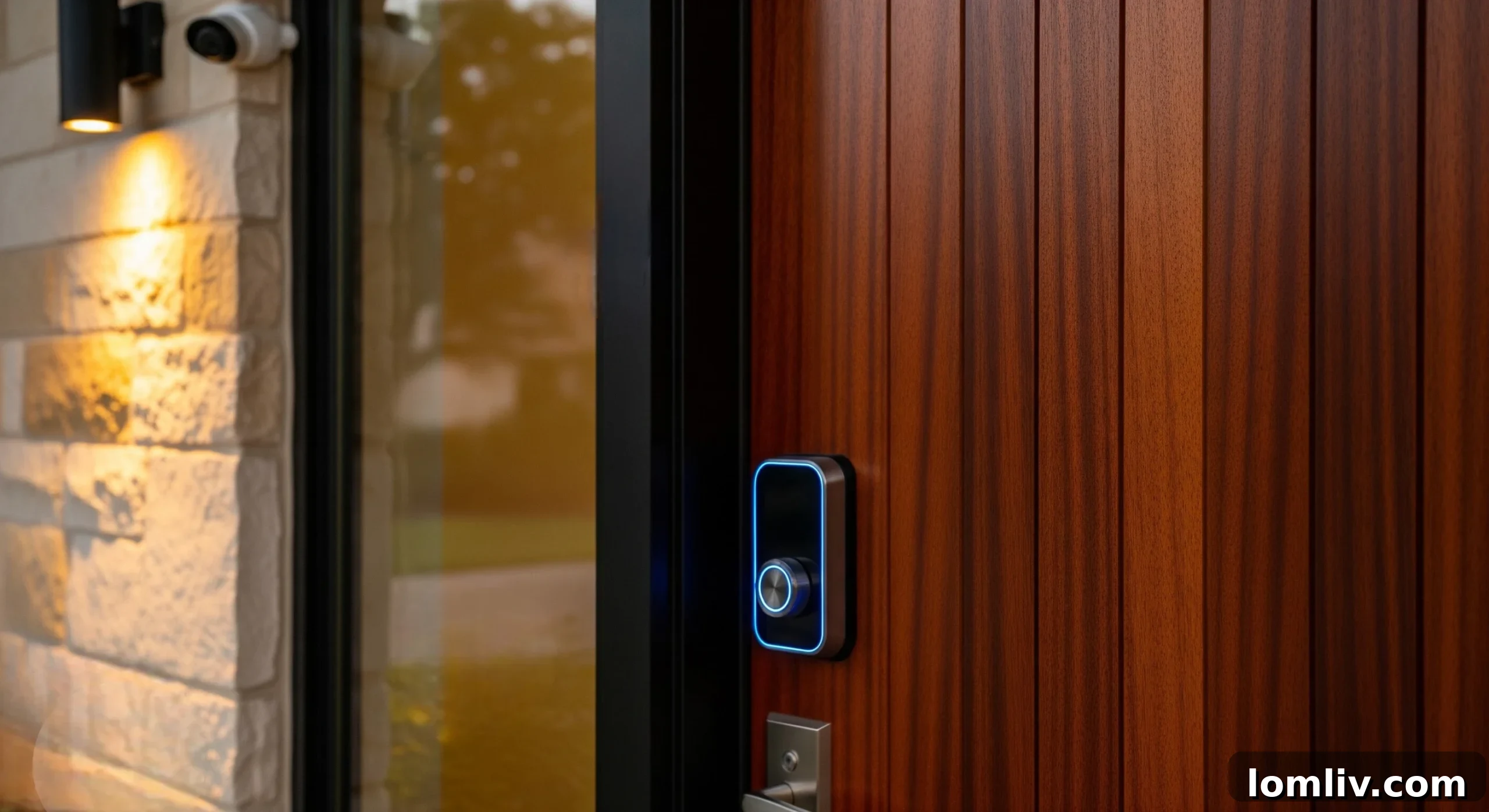
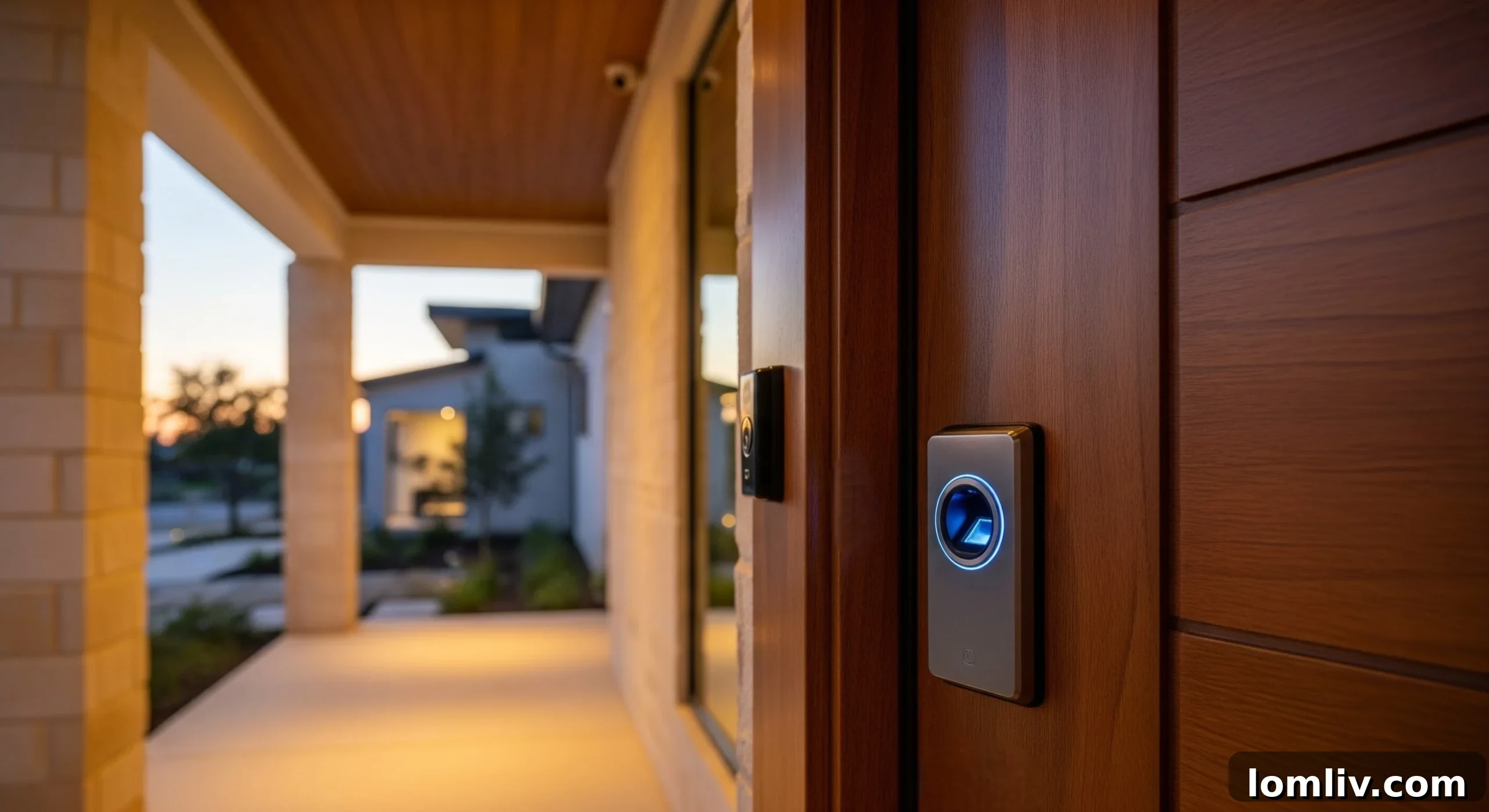
In today’s rapidly evolving world, home security has transformed from a simple necessity into a sophisticated priority, especially for families seeking innovative ways to safeguard their living spaces. As smart home technology becomes increasingly integrated into daily life, many homeowners are turning to advanced solutions like biometric door locks. These cutting-edge devices offer an unparalleled blend of convenience, reliability, and robust security, fundamentally changing how we control access to our homes.
Biometric locks, primarily those utilizing fingerprint recognition, eliminate the traditional hassles associated with physical keys. Gone are the days of misplaced keys, worn-out hardware, or the nagging worry of unauthorized key duplication. Instead, your unique fingerprint becomes your key, providing seamless and secure entry. However, before making the switch, it’s crucial to understand the underlying technology, its practical implications, and the various factors that influence its performance and suitability for your home.
Key considerations such as the quality of the fingerprint sensor, its connectivity capabilities with existing smart home systems, long-term maintenance requirements, and overall reliability play a vital role in determining the right biometric lock for your specific needs. This comprehensive guide aims to demystify biometric door locks, equipping you with the knowledge to make an informed decision about upgrading your front door security and embracing the future of home access.
What Are Biometric Door Locks? An In-Depth Look at Fingerprint Security
At its core, a biometric door lock system is an advanced security device that grants or denies access based on the unique physical characteristics of an individual. While biometrics encompass various traits like facial recognition or iris scans, the most prevalent and user-friendly type for residential applications is the fingerprint door lock. These intelligent locks operate by scanning your distinct fingerprint pattern to verify your identity before unlocking the door.
The concept is remarkably simple yet profoundly effective: the lock recognizes you, eliminating the need for cumbersome physical keys or easily forgotten passcodes. Since a fingerprint cannot be lost, stolen, or duplicated in the same way a traditional key can, the risk of being locked out or having your security compromised by a lost key is virtually non-existent. This direct, personal authentication method offers a superior level of access control compared to conventional locking mechanisms.
Beyond mere convenience, fingerprint smart door locks provide enhanced security by offering a more secure and personalized method of entry. You can precisely limit access to trusted family members, authorized guests, or service providers, ensuring that only approved individuals can enter your home. This capability to manage access without physical key exchange or code sharing adds an invaluable layer of control and peace of mind. Modern biometric door lock systems integrate seamlessly into daily routines, making smart security an effortless part of your home life.
Leading models, such as the Kwikset Halo Touch Fingerprint Deadbolt, exemplify the practical application of these premium biometric locks, demonstrating their robust functionality and integration into contemporary homes. They represent a significant leap forward in residential security, combining high-tech features with user-friendly operation.
Kwikset Halo Touch Fingerprint Smart Door Lock
The Kwikset Halo Touch is a perfect example of modern biometric security, combining sleek design with robust performance. This advanced smart fingerprint entry door lock stores up to 100 fingerprints and connects directly to your home’s WiFi network, eliminating the need for a separate hub and simplifying installation.
-
Stores 100 fingerprints (50 users) for flexible access management -
SmartKey Security™ backup keyway for emergency manual access -
BHMA Grade AAA Certified Security, ensuring top-tier reliability and durability -
Direct WiFi connectivity – no separate hub required for smart home integration
Add to cart
How Biometric Door Locks Work: A Step-by-Step Guide
Understanding the inner workings of a biometric door lock clarifies its security and convenience. The process, while complex in its engineering, is designed to be intuitive and instantaneous for the user. Here’s a breakdown of the typical authentication flow:
The Mechanics Behind Your Fingerprint Door Lock
Biometric door locks employ sophisticated technology to ensure that only authorized individuals gain entry. This process involves several precise steps, from scanning to matching.
1. Initial Scan & Data Acquisition
When you place your finger on the sensor, the biometric door lock immediately begins to read the unique pattern of ridges and valleys on your fingerprint. High-resolution optical or capacitive sensors capture this intricate pattern, converting the physical input into a raw digital image. This initial capture is a crucial first step in the authentication process, ensuring all necessary data is gathered.
2. Creation of a Secure Digital Template
Once scanned, the raw fingerprint data is not stored directly for security reasons. Instead, the lock’s internal processor extracts specific unique features (minutiae points like bifurcations and ridge endings) and converts them into a secure, encrypted digital template. This template is a mathematical representation, far more secure than an image, and is then stored within the lock’s memory. This ensures that even if the system were compromised, the actual fingerprint image could not be reconstructed.
3. Template Matching & Instant Access
When you next present your finger to unlock the door, the sensor captures a new scan, processes it into a fresh digital template, and instantly compares it against the stored, encrypted templates within its database. If a match is found within acceptable parameters, the lock sends a signal to its motorized deadbolt, which retracts, allowing access. If no match is detected, the door remains securely locked. This entire process typically occurs within a fraction of a second, offering nearly instantaneous and seamless entry.
The beauty of this system lies in its speed and reliability. Once enrolled, the fingerprint door lock remembers your unique identifier. You simply touch the sensor, and the door unlocks, making entry effortless and secure. This smooth, natural interaction is one of the primary reasons homeowners choose to upgrade to a smart fingerprint entry door lock for their homes.
Pros & Cons of Biometric Door Locks: Weighing Your Options
Integrating biometric locks into your home represents a significant upgrade, offering both advanced control and enhanced security. However, like any substantial home improvement, these sophisticated door locks come with their own set of advantages and potential drawbacks. A thorough understanding of both sides will empower you to make an informed decision about whether a fingerprint lock aligns with your security needs and lifestyle.
Advantages of Biometric Door Locks
- Unrivaled Layer of Security
One of the most compelling benefits of biometric door locks is the significantly higher level of security they provide compared to traditional keyed locks or even simple keypad systems. A smart fingerprint door lock leverages the inherent uniqueness of each person’s fingerprint, making it exceedingly difficult for unauthorized individuals to gain entry. Unlike physical keys that can be lost, stolen, or copied, or passcodes that can be forgotten or overheard, a fingerprint is an unforgeable credential. Advanced encryption techniques further protect your biometric data, ensuring that your home’s entry points are fortified against common security threats. This robust authentication method offers homeowners unparalleled peace of mind.
- Effortless and User-Friendly Operation
Despite the sophisticated technology underpinning a fingerprint smart door lock, its daily use is remarkably straightforward and intuitive. The greatest convenience comes from eliminating the need to carry physical keys, fumble with them in the dark, or remember complex PINs. For busy homeowners, families with children, or elderly residents, this keyless convenience is invaluable. A simple touch of your finger on the sensor is all it takes to unlock your door, streamlining daily routines and making entry and exit a seamless experience. This natural interaction quickly becomes second nature.
- Complete Keyless Convenience and Enhanced Safety
The habit of hiding spare keys under mats or in potted plants is a common security vulnerability. A smart door lock with fingerprint access eradicates this risky practice entirely. With your fingerprint as your key, there’s no need for external backups that can be discovered by intruders. Access is granted within seconds, simply by touching the sensor. Furthermore, many advanced models, such as the Kwikset Halo Touch, provide a discreet mechanical keyway as a failsafe, offering peace of mind for rare emergency situations where manual override might be necessary, combining modern security with traditional reliability.
- Seamless Integration with Smart Home Ecosystems
Most contemporary biometric front door locks are designed for easy integration into existing smart home systems. This connectivity allows you to link your lock to your smartphone, home Wi-Fi network, security cameras, and popular digital assistants like Amazon Alexa or Google Assistant. Such integration enables a host of advanced features: remote locking and unlocking from anywhere in the world, receiving real-time notifications about who enters and exits your home, and even setting up automated routines. For example, your doors could automatically lock when your smart security system is armed, or your lights could turn on when you unlock the door with your fingerprint.
- Granular and Customized Access Control
A significant advantage of a fingerprint entry door lock is its ability to offer highly customized access control for multiple users. You can easily enroll fingerprints for every family member, and also grant temporary or scheduled access to guests, housekeepers, dog walkers, or maintenance professionals. Many sophisticated biometric door lock systems come with a companion mobile app that provides detailed activity logs, showing exactly who unlocked the door and at what time. This unparalleled level of control allows you to manage home access with precision, enhancing overall home security and accountability. You can revoke access instantly, eliminating the need to rekey locks or change codes.
Disadvantages of Biometric Door Locks
- Dependency on Consistent Power Supply
A smart door lock fingerprint system, by its very nature, requires power to operate. The vast majority of these locks are battery-powered, typically using standard AA or AAA batteries, while some may offer wired power options. A primary concern for homeowners is the risk of the battery draining completely or the system failing during an unexpected power outage. If power is lost without a backup plan, the lock could become inoperable. This underscores the critical importance of choosing a model that incorporates reliable backup features, such as an external power port (e.g., for a 9V battery or USB power bank) or, most commonly, a traditional mechanical keyway for manual override.
- Higher Initial Investment Costs
Generally, a smart fingerprint entry door lock carries a higher upfront cost compared to conventional mechanical door hardware. This price difference reflects the advanced technology, robust security features, and smart home integration capabilities embedded within these devices. While the long-term benefits in terms of enhanced security, convenience, and potential property value appreciation can make the upgrade a cost-effective choice over time, the initial higher expenditure can be a significant consideration for homeowners operating within a strict budget. Installation costs, especially if professional assistance is required, might also add to the overall expense.
- Potential for Recognition Errors
Even with advanced technology, biometric door locks are not entirely immune to recognition challenges. The fingerprint sensor may occasionally struggle to read a print accurately if the finger is wet, excessively dirty, greasy, or has minor cuts or abrasions. Extreme weather conditions, such as heavy rain, snow, or prolonged exposure to high heat or severe cold, can also affect sensor performance and recognition reliability. While these issues are often temporary and can be mitigated, they can still lead to minor inconveniences or delays, particularly when you are in a hurry or in adverse conditions. Ensuring the sensor and your finger are clean and dry is often key to consistent performance.
- Privacy Concerns Regarding Biometric Data
For some homeowners, the storage of biometric data raises valid privacy concerns. A crucial distinction here is how manufacturers handle this sensitive information. Reputable biometric door lock system manufacturers typically store fingerprint templates locally on the device itself, using strong encryption, rather than uploading them to remote cloud servers. This local storage significantly enhances data security. However, the very act of storing any form of personal biometric data can still cause discomfort for privacy-conscious individuals. To mitigate these concerns, it is always advisable to select well-established brands with transparent data privacy policies and a proven track record of robust security practices.
Key Considerations Before Installing a Fingerprint Front Door Lock
Upgrading to a fingerprint front door lock can dramatically enhance your home’s security and convenience, but it’s a decision that requires careful thought and planning. Before proceeding with installation, consider these essential factors to ensure optimal performance, compatibility, and long-term satisfaction with your new biometric smart door lock.
1. Assess Door Compatibility and Condition
The first step is to verify if your existing door and frame are suitable for a biometric smart door lock. Most smart locks are designed to fit standard door thicknesses and pre-drilled deadbolt holes. However, older doors or those with custom dimensions might require modifications. More importantly, ensure your door is in excellent condition: it should not be warped, swollen, or difficult to close. Any misalignment or excessive friction can strain the lock’s internal motor, leading to premature wear or functional issues. A smoothly operating door is fundamental for the reliable performance of any motorized lock.
2. Prioritize Sensor Quality for Consistent Performance
The effectiveness of your biometric door lock hinges significantly on the quality of its fingerprint sensor. Cheaper optical sensors, while functional, can be prone to errors caused by direct sunlight, high humidity, dust accumulation, or even low light conditions. For a front door, which is often exposed to varying environmental factors, investing in a lock with a high-quality capacitive or semiconductor sensor is highly recommended. These advanced sensors read the intricate ridges and valleys of your fingerprint more accurately and quickly, providing superior reliability, faster recognition, and enhanced security, even in less-than-ideal conditions.
3. Adopt a Routine for Fingerprint Re-registration
Your fingerprints are not static; they can undergo minor changes over time due to factors such as dry skin, moisture, minor cuts, aging, or even repeated manual labor. To maintain consistent and reliable performance from your fingerprint smart door lock, it’s beneficial to adopt a habit of re-registering your fingerprints periodically, perhaps every six to nine months. When initially registering, ensure you capture your fingerprint from various angles and pressures. This practice creates a more comprehensive template, significantly improving the lock’s ability to recognize you under different circumstances and ensuring quick, hassle-free access every time.
4. Evaluate Connectivity Requirements and Range
Many smart fingerprint door lock systems leverage wireless technologies like WiFi or Bluetooth to connect with your smartphone or smart home ecosystem (e.g., Google Assistant, Alexa, Apple HomeKit). Before installation, it’s crucial to assess the strength of your home’s WiFi signal at your front door. A weak or intermittent connection can severely impact remote access features, delay notifications, or cause the lock to become unresponsive to app commands. Consider using a WiFi extender if necessary. Additionally, confirm that the chosen lock is fully compatible with your existing smart home devices and preferred mobile applications for seamless integration.
5. Consider Weather and Temperature Resistance Ratings
A front door is inevitably exposed to a range of environmental elements, including direct sunlight, rain, humidity, dust, and significant seasonal temperature fluctuations. When selecting a biometric front door lock, it is imperative to choose a model specifically designed with adequate weather protection. Look for locks that specify water resistance (often indicated by an IP rating) and a wide operating temperature range. This is especially vital if your entryway lacks a protective overhang or covered porch. A weather-resistant lock will ensure consistent functionality and extend the lifespan of your investment, protecting its delicate electronics from the elements.
6. Understand Security Certifications and Build Quality
Not all smart home locks are created equal in terms of security. Beyond the biometric feature, evaluate the lock’s overall physical security and certifications. Look for products that meet industry standards, such as BHMA (Builders Hardware Manufacturers Association) Grade 1, 2, or 3 ratings, with Grade 1 being the highest. These ratings indicate the lock’s resistance to forced entry, durability, and operational security. Strong encryption for data, local storage of fingerprint templates, and a robust physical deadbolt mechanism are non-negotiable features for optimal protection. Prioritize security considerations as much as convenience features.
7. Plan for User Access Management
Before installation, consider the number of individuals who will need access to your home and the nature of that access. Most fingerprint entry door lock systems allow you to create multiple user profiles for family members, and often provide options for granting temporary or scheduled access to guests, housekeepers, or service professionals. Planning this in advance helps streamline the setup process and ensures that your home remains secure while offering flexible access to trusted individuals. Understand how to add, modify, and revoke access, as well as how to track entry events through the lock’s companion app.
What Happens to Your Fingerprint Door Lock During a Power Cut?
A frequent and understandable concern for homeowners considering a smart fingerprint door lock is its functionality during a power outage. The reassuring news is that you don’t need to worry about being locked out of your home or trapped inside. Most biometric door locks are meticulously engineered with multiple layers of backup options, ensuring they remain fully functional even when the main power source, such as home electricity or primary batteries, fails.
These redundant systems are integral to the design of a reliable biometric lock. Here are the most common and crucial backup features you’ll find:
1. Traditional Physical Keys for Emergency Access
Virtually every biometric front door lock on the market includes a conventional key slot. This is a fundamental failsafe, allowing you to manually unlock the door with a physical key if the lock’s batteries completely deplete or if there’s any other electronic malfunction. It’s imperative to keep a physical backup key in a secure, accessible location outside your home, perhaps with a trusted neighbor or in a secure lockbox, but never hidden in obvious spots around your property.
2. Proactive Low-Battery Alerts
Modern biometric door lock systems are smart enough to warn you well in advance when their batteries are running low. These alerts typically manifest through various channels: an audible beep from the lock itself, a visual indicator light (often flashing red), or a push notification sent directly to your smartphone via the companion mobile app. This layered warning system provides ample time to replace the batteries before they drain completely, preventing any interruption in service.
3. Convenient Emergency Power Options
Many advanced smart door locks with fingerprint access incorporate emergency power ports. A common design includes a micro-USB or USB-C port, allowing you to temporarily power the lock using a standard power bank or even a 9V battery by touching its terminals to specific contacts on the lock. This feature is particularly useful if you’ve ignored low-battery warnings and find yourself needing to unlock the door when the batteries are completely dead, providing a quick fix to regain entry.
4. Mobile App Access with Remaining Battery
In scenarios where the lock’s primary batteries are low but not entirely depleted, and it maintains a minimal Bluetooth or WiFi connection, you might still be able to unlock the door using its dedicated mobile app on your smartphone. While this option relies on some residual power, it offers an additional layer of convenience, allowing you to avoid using the physical key if the lock can still establish a brief connection to process the command.
These robust backup systems are a key reason why many homeowners are confidently making the switch to biometric smart door locks. They offer the unparalleled convenience and advanced security of fingerprint access without compromising safety or accessibility, even in unforeseen circumstances like a power outage.
Common Issues and Practical Troubleshooting Tips for Biometric Door Locks
Even the most advanced biometric door lock systems require a degree of attention and basic care to ensure optimal and smooth performance. While highly reliable, homeowners may occasionally encounter minor issues. Understanding these common problems and knowing how to troubleshoot them can save time and maintain the efficiency of your smart fingerprint entry door lock.
1. Persistent Fingerprint Recognition Errors
This is arguably the most common issue, typically occurring when the fingerprint sensor struggles to read your print clearly. Factors like dust, moisture, oils, smudges on the sensor, dry skin on your finger, or minor cuts can lead to repeated “Try Again” messages or outright rejection of your print.
How to fix it:
Always ensure your finger and the sensor are clean and dry before attempting to unlock. Regularly clean the sensor with a soft, lint-free cloth. For best results, register multiple fingerprints from different angles and pressures. It’s also a good practice to re-register all user fingerprints every six to nine months to account for natural changes in skin texture, helping the biometric door lock maintain its recognition accuracy over time.
2. Delayed or Slow Fingerprint Response
If your smart fingerprint door lock seems to take an unusually long time to recognize your print and unlock, several factors could be at play. Common culprits include low or weak batteries, intermittent WiFi or Bluetooth connectivity, outdated firmware, or the presence of too many saved, rarely used fingerprint profiles which can slow down the matching process.
How to fix it:
The first step is to replace the batteries with fresh, high-quality ones. Ensure your lock’s firmware is up to date through its companion app. Periodically review and clean up old or unused fingerprint profiles. Also, check the physical alignment of your door and the deadbolt strike plate; a misaligned door can cause the motor to work harder, slowing down the unlock process. A properly aligned door reduces mechanical strain and improves response time.
3. Issues with Mobile App Connectivity
A smart door lock with fingerprint access relies on a stable WiFi or Bluetooth connection for its remote management features, real-time alerts, and integration with other smart home devices. If you experience dropped connections, delayed commands, or inability to connect via the app, it’s often related to network signal strength or interference.
How to fix it:
Begin by testing your WiFi signal strength directly at the front door. If the signal is weak, consider repositioning your router or installing a WiFi extender to improve coverage. Ensure both the lock’s firmware and its companion mobile app are updated to their latest versions. Bluetooth connections require close proximity, so ensure your phone is within range. Sometimes, simply restarting your router and the lock itself can resolve temporary connectivity glitches.
4. System Lockouts After Multiple Failed Attempts
As a crucial security feature, most biometric locks are programmed to temporarily disable or “lock out” the system after a predetermined number of consecutive incorrect fingerprint attempts. This prevents brute-force attacks but can be inconvenient if triggered accidentally by children playing with the sensor, or by persistent recognition errors due to a dirty finger or sensor, or an improperly registered fingerprint.
How to fix it:
The primary solution is patience: allow the lockout timer to expire, which usually ranges from 30 seconds to a few minutes. If immediate entry is required, utilize the physical backup key. To prevent future lockouts, ensure all authorized users have their fingerprints properly registered, preferably from multiple angles. Educate family members on proper sensor usage, emphasizing clean and dry fingers. This security measure, though sometimes inconvenient, is vital for protecting your home from unauthorized access.
Final Words: Embracing the Future of Home Security
The decision to upgrade to a biometric door lock system for your home’s entry points is a significant step towards embracing modern, smart home security. While these advanced locks do typically require a higher initial investment compared to traditional deadbolts, the long-term value they provide in terms of enhanced security, unparalleled convenience, and profound peace of mind is truly hard to overstate.
Fingerprint door locks offer a seamless, keyless experience that simplifies daily routines, eliminates common security risks associated with physical keys, and integrates intelligently with your broader smart home ecosystem. They provide a robust layer of protection, knowing that access is granted only to those whose unique biometric signature is recognized. For a growing number of homeowners, the fusion of cutting-edge technology with everyday practicality makes the investment in a biometric smart door lock not just an upgrade, but a smart and forward-thinking choice for securing their most valuable asset – their home.
As technology continues to advance, biometric security will undoubtedly become an even more integral part of our homes, making entry effortless, secure, and truly personalized.